With so many websites competing for the same searches, every business needs its pages to stand out. On-page SEO is the part of that work fully in your hands: it shapes how search engines read and evaluate each page on your site. This guide explains what it is, why it matters and the techniques that make a difference.
01What is on-page SEO?#
On-page SEO covers the optimizations you make on your own website to help pages rank. Off-page SEO deals with outside signals such as backlinks; on-page SEO deals with what you control directly: content quality, keyword use, title tags and meta descriptions, headings, images, internal links, URLs, page speed, mobile usability and site structure. The aim is a page that is useful to visitors and easy for search engines to understand.
02How on-page SEO works#
When search engine crawlers visit a page, they look at many signals to judge its relevance and quality. Words in the title, headings and body show what the page is about. A clear HTML structure shows how the parts relate. Structured data states what kind of content it is, such as a product, review or article. Alt text describes images, and internal links show how the page connects to the rest of the site. Together these signals tell the search engine which queries the page answers best.
03Why on-page SEO is important#
- Visibility: well-optimized pages rank for more relevant searches, bringing targeted traffic without ad spend.
- User experience: clear structure, fast loading and mobile-friendly design keep visitors engaged.
- A foundation for everything else: links and content promotion work far better on pages that are already well optimized.
- Competitive edge: neglecting on-page SEO hands traffic to competitors who haven't.
04On-page SEO techniques#
05Keyword optimization#
Research the terms your audience uses and choose a primary keyword and close variations for each page. Use them naturally in the title tag, the H1, the opening paragraph and where they fit in the body. There is no ideal keyword density: write for the reader, and the right words appear on their own.
06Metadata#
- Title tag: specific, includes the main keyword and is short enough to display in full, roughly 60 characters.
- Meta description: a clear summary of about 150 characters that gives searchers a reason to click. It isn't a ranking factor, but it affects click-through.
- Headings: one H1, then H2s and H3s in a logical order so the structure is easy to follow.
- Robots meta tag: controls whether a page is indexed and its links followed.
- Canonical tag: tells search engines which version of a duplicated page is the main one.
07Search intent#
Matching words isn't enough; the page has to satisfy the purpose of the search. Intent usually falls into four types: informational (learning), navigational (finding a specific site), commercial (comparing options) and transactional (ready to buy). Look at the pages ranking for your keyword to see which intent Google favours, then build a page that serves it better.
08Content#
- Cover the topic thoroughly, answering the questions a searcher is likely to have.
- Organize it with clear headings that guide the reader.
- Support claims with sources, examples and visuals.
- Update important pages when information changes.
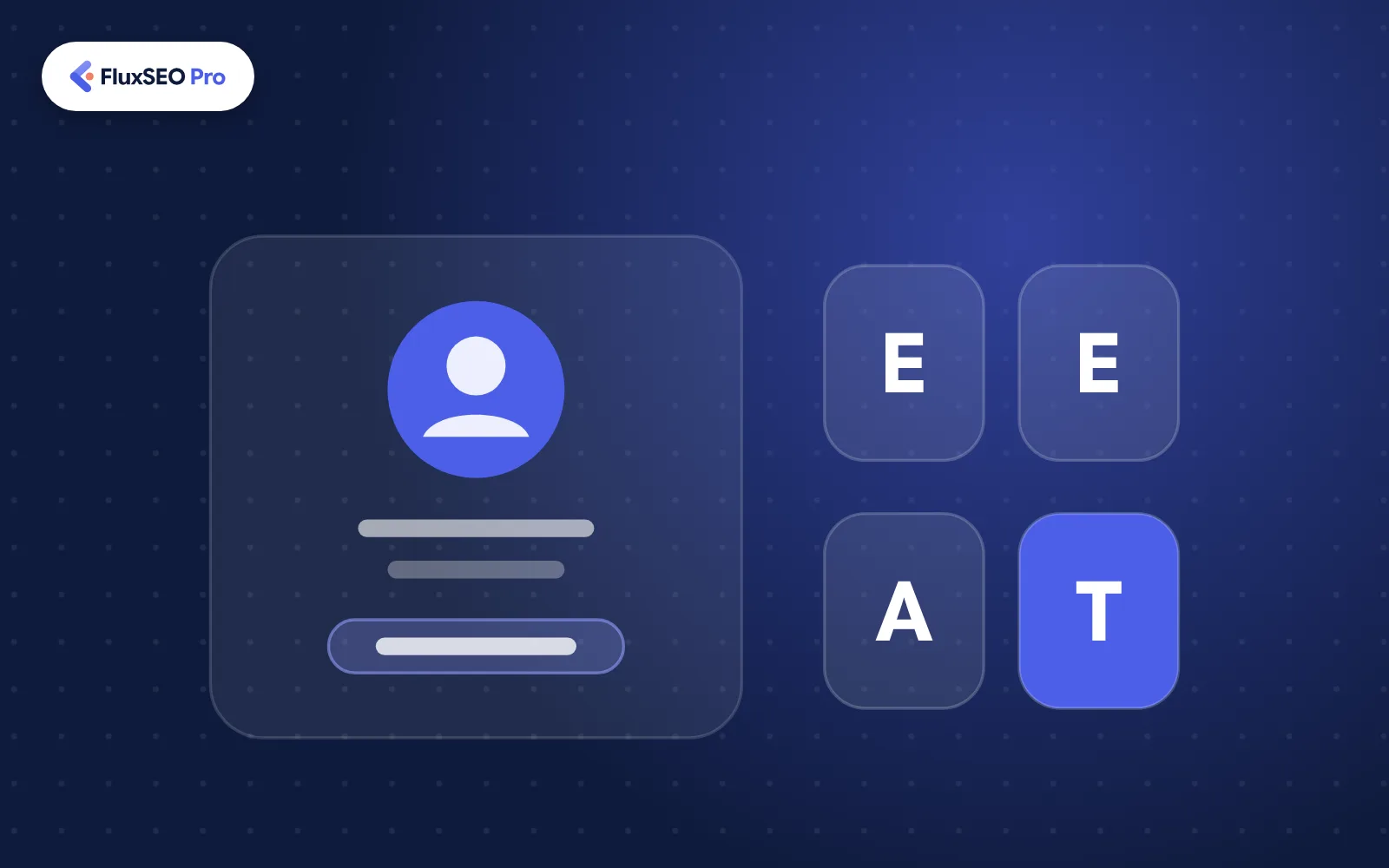
- Show experience and expertise: name the author, cite credible sources and share first-hand insight (Google's E-E-A-T).
09Internal linking and site structure#
Organize the site into clear categories so both visitors and crawlers can find their way. Link related pages using descriptive anchor text instead of "click here", link to your most important pages from your strongest ones, and fix broken links and outdated URLs with redirects.
10Images#
- Choose the right format: JPEG for photos, PNG for graphics with transparency, or WebP and AVIF for smaller files.
- Resize images to the size they display at before uploading.
- Compress them with a tool such as TinyPNG or ShortPixel.
- Write descriptive alt text for accessibility and image search.
- Use descriptive file names and responsive images for different screen sizes.
11Page speed#
Run your pages through Google PageSpeed Insights to find the specific problems. Common fixes include reducing and minifying CSS and JavaScript, removing unused plugins, using browser caching and a content delivery network, and lazy-loading images below the fold. These improve Google's Core Web Vitals: Largest Contentful Paint (loading), Interaction to Next Paint (responsiveness) and Cumulative Layout Shift (visual stability).
12Mobile-friendliness#
Google uses mobile-first indexing, so the mobile version of your site is what it evaluates. Use a responsive design that adapts to every screen, readable font sizes, tap targets with enough space between them, simple navigation and mobile features such as click-to-call buttons.
13User experience#
Clear navigation, breadcrumbs, consistent design and obvious calls to action help visitors find what they need. Build for accessibility too: sufficient colour contrast, keyboard navigation and screen reader support make the site usable for everyone.
14Structured data#
Structured data uses the schema.org vocabulary to label content such as articles, products, reviews, events and organizations. It helps search engines understand the page and can make it eligible for rich results. Mark up only what matches the visible content, and check it with Google's Rich Results Test.
15Where to start#
On-page SEO is your most direct way to influence how search engines see your site, and the results last. Start with an audit of your key pages, fix the highest-impact issues first, and keep refining as your content grows.
FAQFrequently asked questions
On-page SEO covers everything on your own pages, such as content, titles, structure and speed. Off-page SEO covers signals from elsewhere, mainly links and mentions on other websites.
They overlap. Technical SEO focuses on site-wide factors such as crawling, indexing and speed; on-page SEO focuses on optimizing each page's content and elements. Both happen on your own site.
Review your most important pages at least a few times a year, and whenever rankings drop, search intent shifts or information on the page goes out of date.